Can Claude Free Keep Leading Zeros and Formula-Like IDs in Excel?
Published 21 November 2026 · Observed 21 November 2026 · Claude Free · Sonnet 4.6 / Low
Yes, the tested files kept leading zeros and the long identifier, but ordinary CSV conversion turned =1+1 into a working formula even though Claude's delivery message said the tricky values were preserved.
On 21 November 2026, we used one Claude Free account in Chrome with the model menu showing Sonnet 4.6 / Low and downloaded both generated workbooks for inspection.
The first request explicitly required twelve identifiers as literal text, numeric amounts with two-decimal formatting, and a separate summary formula.
The second request supplied two CSV records across thirteen columns and asked for Excel conversion with an amount summary, without adding the explicit text-preservation instruction.
Because the input layouts also differed, these are checks of two delivered workflows, not an isolated estimate of the instruction's effect.
Digit-shaped identifiers
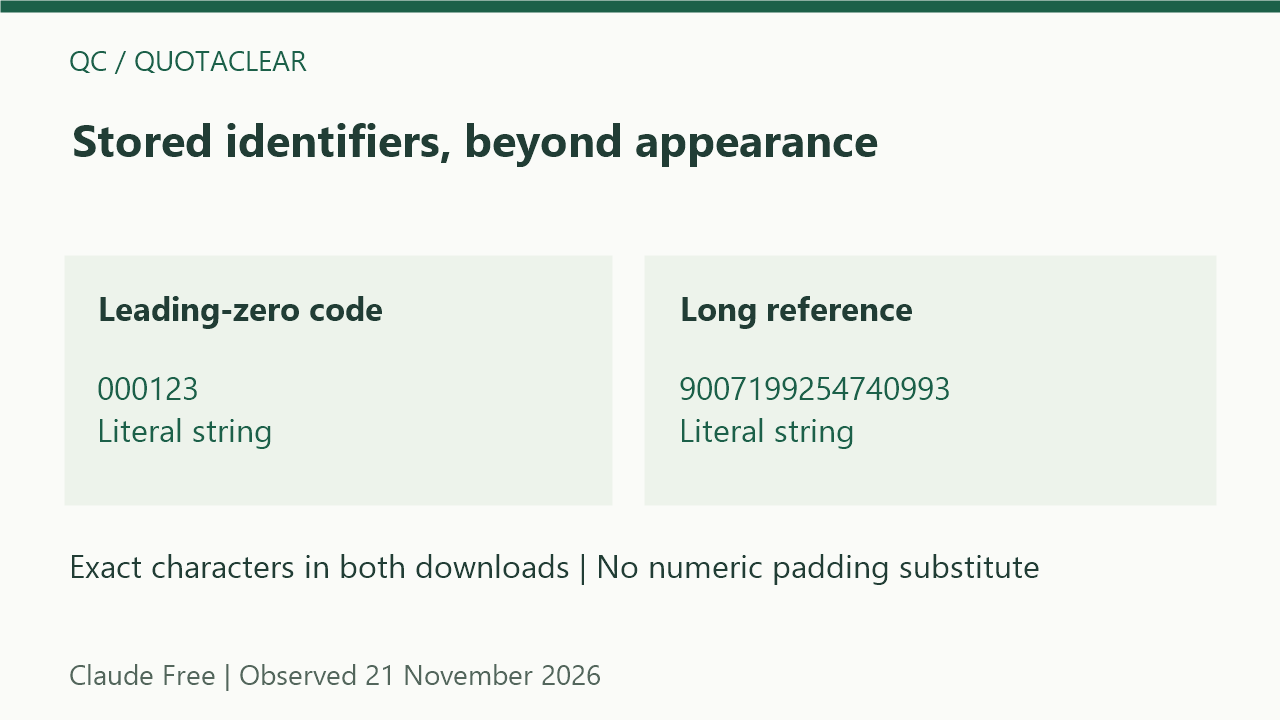
The text-request workbook retained 000123, and the CSV workbook retained both 000123 and 001230 as stored strings rather than numbers padded for display.
The sixteen-digit reference 9007199254740993 survived exactly in both downloads, while the CSV's second reference, 9007199254740995, also remained a string with its final digit intact.
The code 2E10 stayed literal text in both files, and the CSV's second code stayed 3E10 rather than becoming a numeric exponent result.
The date-shaped code 03-04 remained a string in both files, with 05-06 also retained in the CSV output instead of a date-valued cell.
Both workflows preserved the leading plus in +441234567890 and the minus with zeros in -0007, so these samples were not rewritten as ordinary signed numbers.
Excel's documented conversion and precision rules explain why text storage matters, but those general rules are background and do not establish what any particular Claude download contains.
| Sample | Input string | Text-request workbook | CSV-conversion workbook |
|---|---|---|---|
| Leading zeros | "000123" | Stored string"000123" | Stored string"000123" |
| Long reference | "9007199254740993" | Stored string"9007199254740993" | Stored string"9007199254740993" |
| Exponent-shaped code | "2E10" | Stored string"2E10" | Stored string"2E10" |
| Date-shaped code | "03-04" | Stored string"03-04" | Stored string"03-04" |
| Leading plus | "+441234567890" | Stored string"+441234567890" | Stored string"+441234567890" |
| Equals-prefixed literal | "=1+1" | Stored string"=1+1" | Formula / cached valueundefined |
| Space padding | " QC " | Stored string" QC " | Stored string" QC " |
| Unicode | "QC-\u96f6-\u2466" | Stored string"QC-\u96f6-\u2466" | Stored string"QC-\u96f6-\u2466" |
| Literal apostrophe | "'QC-21" | Stored string"'QC-21" | Stored string"'QC-21" |
| Embedded quote | "QC\"21" | Stored string"QC\"21" | Stored string"QC\"21" |
| Embedded line feed | "QC\n21" | Stored string"QC\n21" | Stored string"QC\n21" |
| Minus with zeros | "-0007" | Stored string"-0007" | Stored string"-0007" |
Literal text versus executable cells
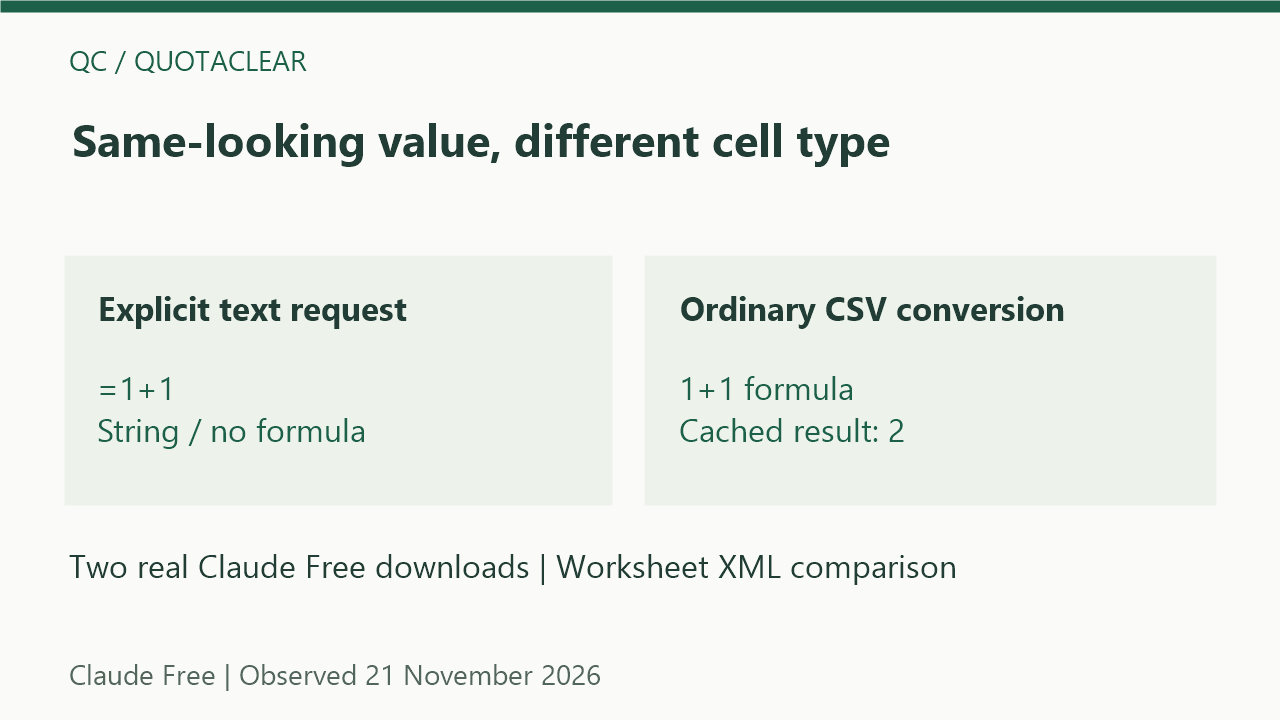
The explicit text request stored =1+1 as a string without a formula, whereas the CSV output stored formula 1+1 in F2 with cached value 2 and formula 2+2 in F3 with cached value 4.
The first file's identifier style had quotePrefix set to 1 and the General number format, while the CSV strings had quotePrefix set to 0; the stored cell type, not just the visible characters or a Text-format label, was therefore part of our check.
The openpyxl implementation can bind a string beginning with an equals sign as a formula, which is a documented mechanism consistent with this file's contents rather than proof of every internal generation step.
Claude's CSV delivery message described formula-looking values as preserved, but the downloaded XML showed that their literal-text identity had changed.
Exact characters and CSV boundaries
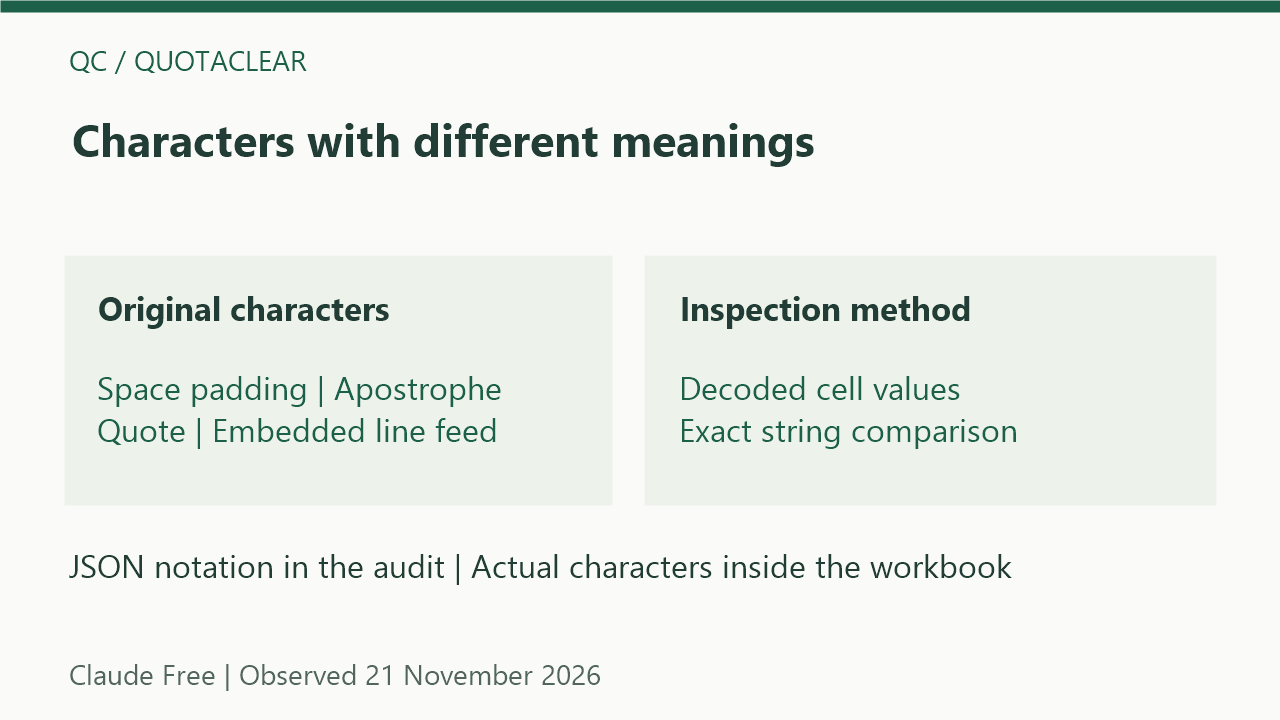
The two spaces on each side of QC remained in the first workbook and in the CSV's tag cell, despite their less obvious appearance in the rendered reply.
The identifier represented as QC-零-⑦ in the audit retained those exact Unicode characters in both downloads, without replacement characters or conversion to plain digits.
The leading apostrophe in 'QC-21 was part of the stored string in both files, rather than being removed as though it were only an entry-time text prefix.
In the CSV output, the doubled quote spelling decoded to QC"21 and the quoted multiline field remained QC followed by one line feed and 21 inside a single cell, matching the corresponding text-request values.
The comparison table uses JSON string notation for whitespace and special characters, so its escape sequences describe the stored value rather than extra backslashes in the workbook.
Amounts, totals and verification scope
The first workbook's twelve amount cells were numeric with a two-decimal number format, and the CSV amount 12.50 was stored numerically as 12.5 while its identifiers remained a mixture of strings and formulas.
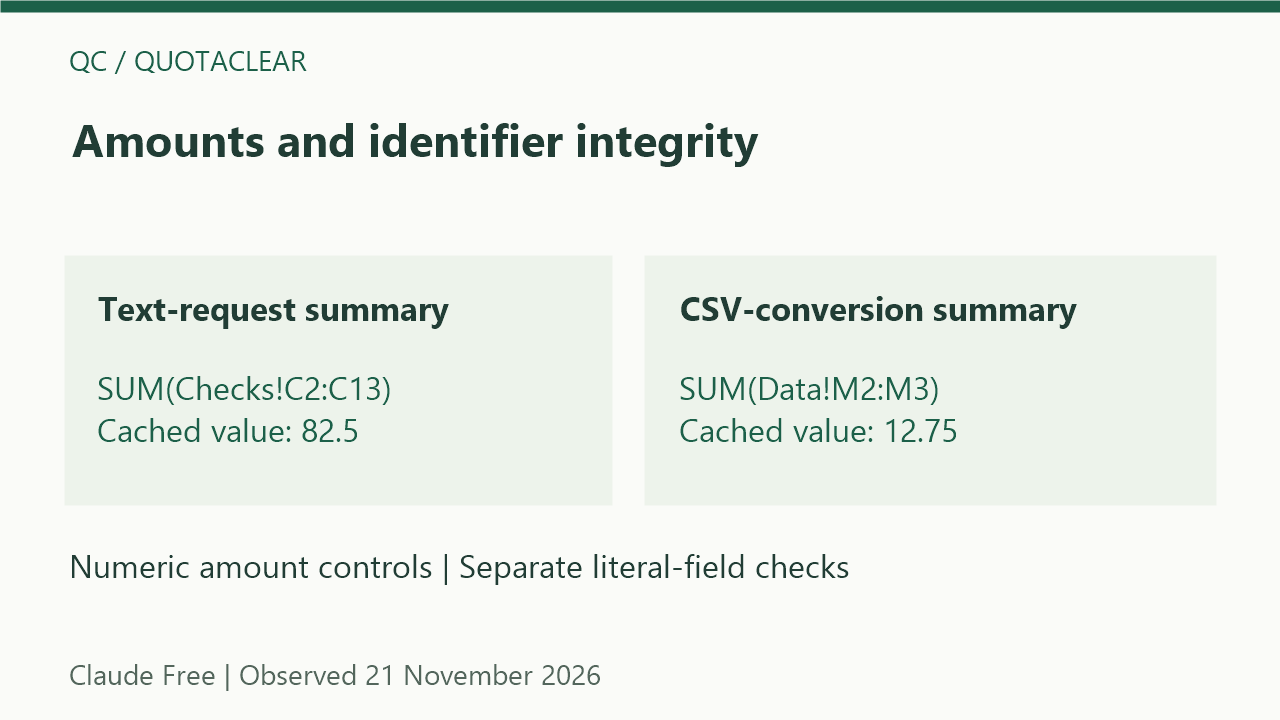
The first summary stored SUM(Checks!C2:C13) with cached value 82.5, and the CSV summary stored SUM(Data!M2:M3) with cached value 12.75.
A correct amount total therefore coexisted with the CSV's changed literal fields, making the total an insufficient check of identifier integrity in this delivered file.
We inspected the actual downloaded ZIP and worksheet XML locally without opening the files in desktop Excel or executing their formulas, and the cache values reported here came from those files.
These results cover two requests on one Free account and do not establish future success rates, other models, quota consumption, or behavior after a user edits a cell in Excel.
The English comparison covers the linked technical sources and a directed Google query in the original signed-in Chrome, rather than a completed top-ten body review.
The two original sample workbooks and per-cell audit below make the stored-value checks reproducible without relying on Claude's delivery narrative.