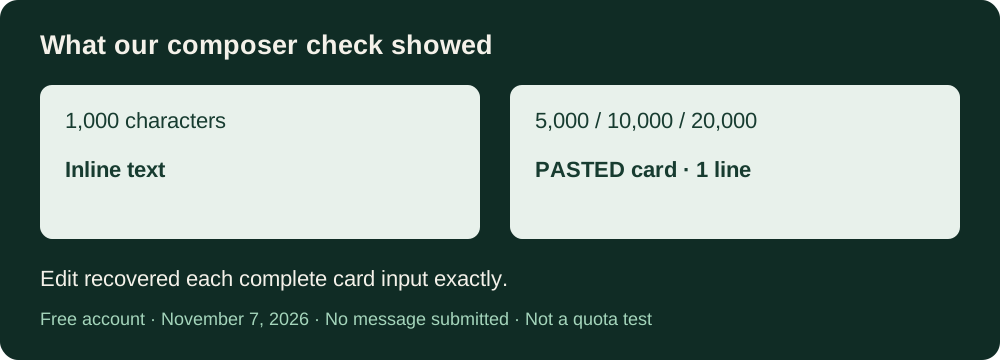
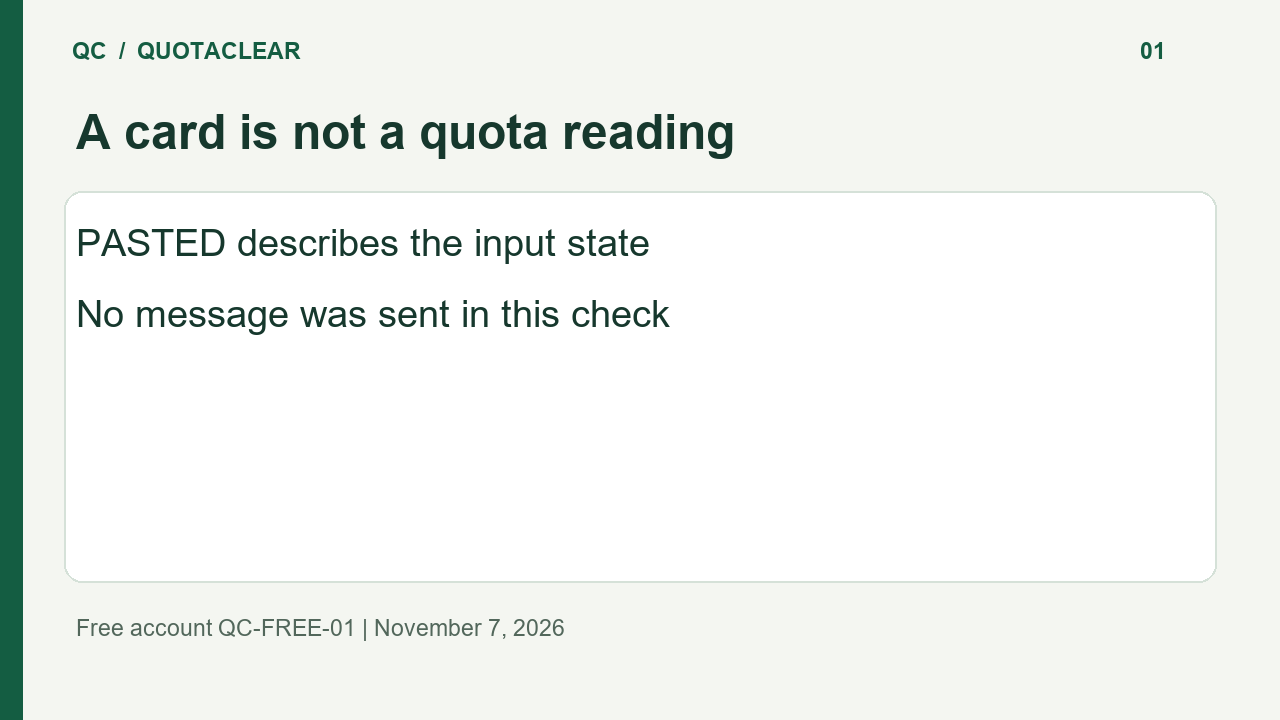
A PASTED card alone is not a measured Claude usage limit. In our Free-account check, a 5,000-character paste became a card before we sent the message. Inspect the input and the actual limit message separately; the card is not evidence of a quota deduction or a token saving.
Is a PASTED Card a Claude Usage Limit Warning?
Here is the narrow question we tested: what happens to a long clipboard paste before the message is sent? This is a composer check. It is not an allowance benchmark, a Pro test, or a comparison of model answers.
What appeared in our Free account
The account showed Free. The model selector showed Sonnet 5.5, with medium effort selected. We did not press Send during this check.
Each input was the ASCII sequence 0123456789 repeated to the character count below. Read the rows as one controlled series, rather than separate claims about a universal cutoff.
| Characters pasted | Visible input state | Card label |
|---|---|---|
| 1,000 | Text stayed in the input box | No card |
| 5,000 | PASTED card; input box empty | 1 line |
| 10,000 | PASTED card; input box empty | 1 line |
| 20,000 | PASTED card; input box empty | 1 line |
In this series the presentation changed between the tested inputs. We did not locate the exact transition point. Do not turn these observations into a fixed character allowance for every account, browser, or future version. In particular, do not use the card’s line label as a token count.
Was the full text still there?
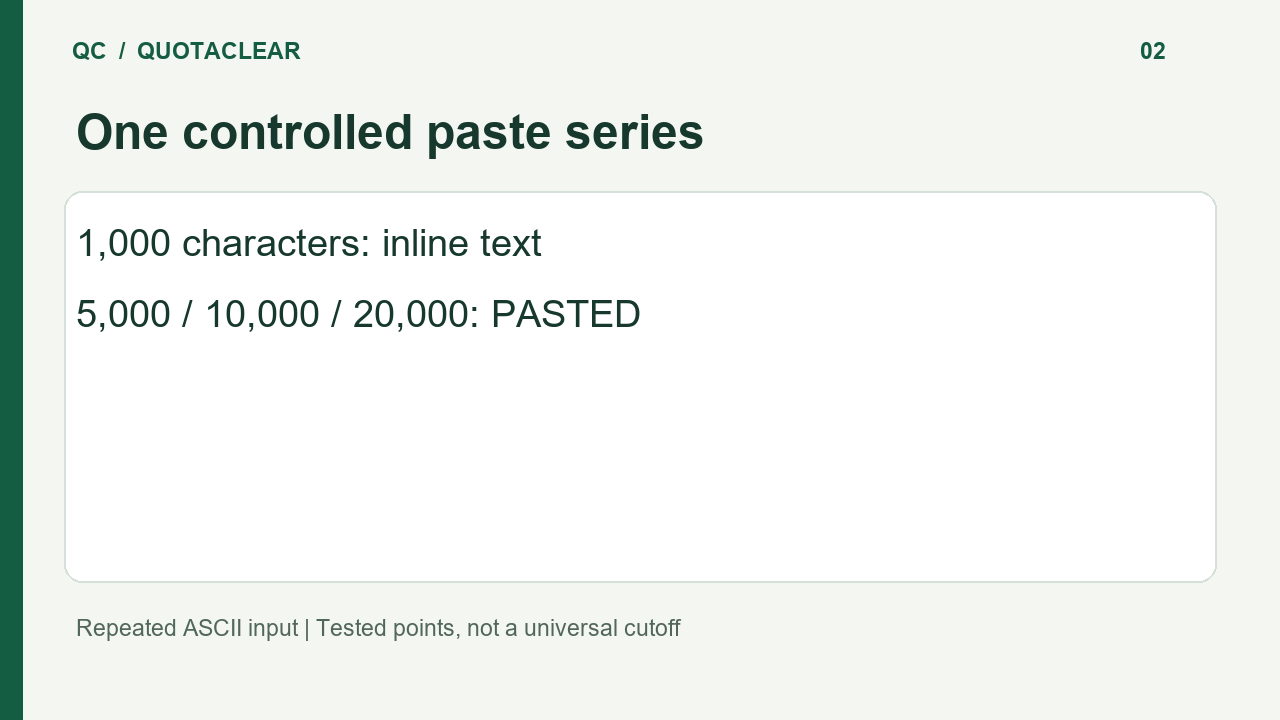
For each of the three cards, we clicked its edit control. The text returned to the composer: respectively 5,000, 10,000, and 20,000 characters. A direct comparison of the restored text with its original input matched exactly in every one of those three checks.
That is an edit-and-recovery observation, not a claim that a model read the content correctly. We did not measure input tokens, context occupancy, remaining messages, or a before-and-after usage percentage. Those fields remain unmeasured.
One incidental draft-retention observation
After the initial 1,000-character control, we clicked New while already on the new-chat page. That unsent draft remained in the composer. This was an incidental observation from one navigation, not a preregistered trial or a claim about what New does from an existing conversation. Inspect the actual input before assuming it has been cleared.
Check your paste before diagnosing a limit
- Look for an inline prompt or a PASTED card after pasting.
- Open the card’s edit control if you need to inspect the text. Check its beginning and end against your original.
- Review the complete input before sending it. Keep any actual limit message separate from the attachment label.
Use this table to recognize the input state we observed. It cannot tell you how much allowance a later request will consume, whether that request will be accepted, or whether converting the input changes its cost.