Claude Usage: Check Your Counters and Understand What They Mean
Where to check Claude usage
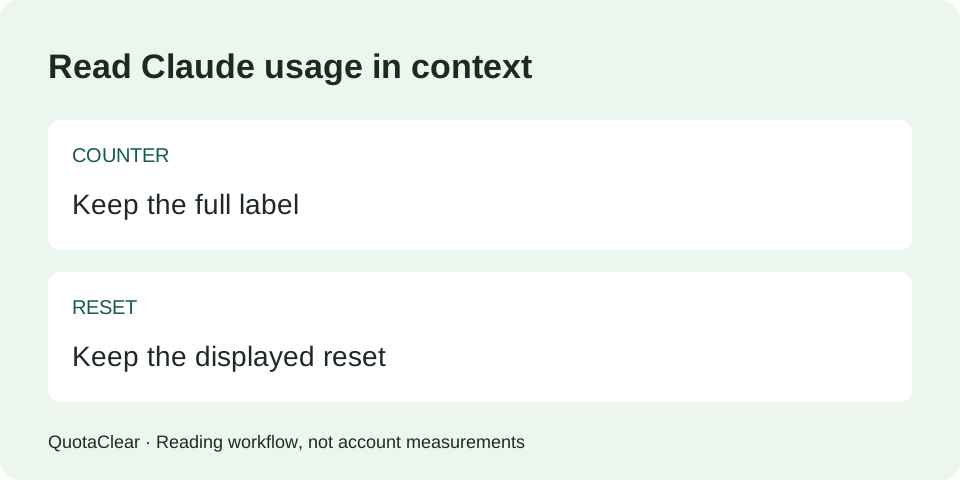
On supported paid plans, open Settings → Usage. Read the current-session counter and each applicable weekly counter separately, with the reset information next to each. Usage across Claude’s web, desktop and Code products shares the account allowance. A chat’s context length is a different limit. Usage settings guidance · Limit definitions.
If a counter is not available for your account, record it as unavailable. Do not infer a percentage from how many messages you sent.
Read the label before reading the number
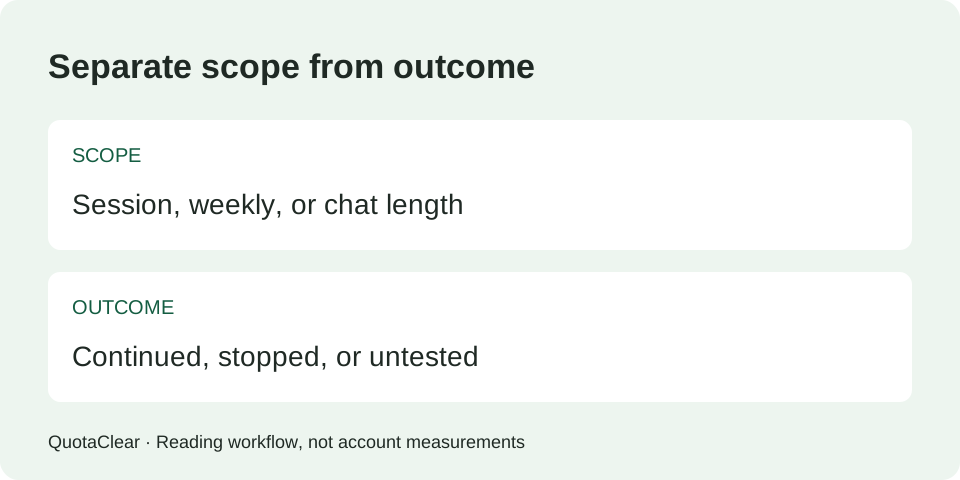
A usage percentage needs a scope. A session counter describes a different window from a weekly counter; neither is the amount of room left in a particular conversation. The official guide also distinguishes usage credits and consumption-based Enterprise billing from plan-limit progress. The exact counters available depend on your plan. Official guide.
| What you are reading | What to retain | What it cannot tell you alone |
|---|---|---|
| A current-session usage counter | The exact counter label, used reading and displayed reset | Whether a weekly allowance is exhausted |
| A weekly usage counter | Its model scope, reading and reset | The remaining capacity in one conversation |
| A conversation-length warning | The exact message and the conversation affected | The account’s session or weekly usage percentage |
| A billing or usage-credit view | The unit shown and the account or plan involved | A conversion into subscription messages without evidence |
A usage note you can use later
Our suggested note starts with the question you are trying to answer: can I continue this task, did a counter move, or am I looking at billing? Choose one. Then preserve the evidence that answers that question. This is a reporting method, not an official Claude feature.
- Copy the product surface and account plan from what you can actually see. If the account identity is sensitive, keep it in your private copy.
- Copy the counter’s full label. Do not shorten a model-specific weekly label to “weekly” if that loses its scope.
- Record the displayed reading together with whether it means used or remaining. If you do not know, write unknown.
- Record the reset information exactly as shown, plus when and in which time zone you observed it. A relative countdown alone can be ambiguous when read later.
- Record the task outcome separately: continued, stopped, or not attempted. A successful response does not identify which counter supplied the allowance.
Download the blank usage-note CSV. It contains field names and blank values, with no prefilled account readings. Fill it locally; this site does not collect the file. Keep screenshots privately so you can verify what you transcribed.
What if the usage looks low but Claude stops?
This question came from our archived material. Start by matching the stop message to the counter, rather than treating a low number somewhere on the screen as permission to continue. Session and weekly limits are separate, and account usage can include activity on other Claude surfaces. Official basis.
Our suggested sequence is to keep the exact stop message, identify every applicable counter, and note the product surface where the stop occurred. If the message and available counters still do not explain it, record that mismatch. We cannot tell from a low reading alone whether the cause is another limit, display timing, account configuration or a service issue.
Do not turn that uncertainty into a claim that Claude secretly changed your allowance. Give support the message, observation time, plan, model and counter labels; remove private prompts and files. That creates a report someone else can inspect without relying on your recollection.
Compare records without inventing savings
Before comparing observations, check that they describe the same named counter and that you understand its unit. Keep changes in model, effort, files, tools and other account activity in the note. If the reset boundary changed between observations, the records do not describe an uninterrupted span of that allowance.
For two used-percentage readings of the same counter, the arithmetic difference is after minus before, measured in percentage points. Each input must be your observed reading. This arithmetic does not produce a token count, a fixed number of messages, or the saving caused by a shorter chat.
If the reading falls, retain the observation and the reset information instead of labelling the fall as a saving. If it stays unchanged, record unchanged; a displayed zero change does not prove that the request consumed no resources. We have not measured your account or the display’s precision and update timing.
For a continuation comparison, use our existing record checker. It reports when required evidence is missing or the entered conditions are not comparable. It does not access Claude or estimate a larger allowance.
Which workload details belong in the note?
Anthropic lists message and conversation length, attachments, tools, model choice and effort among usage factors, and explains benefits from reusing cached project content. These are reasons to document your workload, not a formula for predicting an exact message quota. Official workload guidance.
In our note, name the changed detail rather than writing “same task” if the attached files or tool activity differed. Keep the old and new descriptions side by side. When a detail is unknown, leave the comparison unresolved. That is more useful than a precise-looking explanation built on missing inputs.
Sources and scope
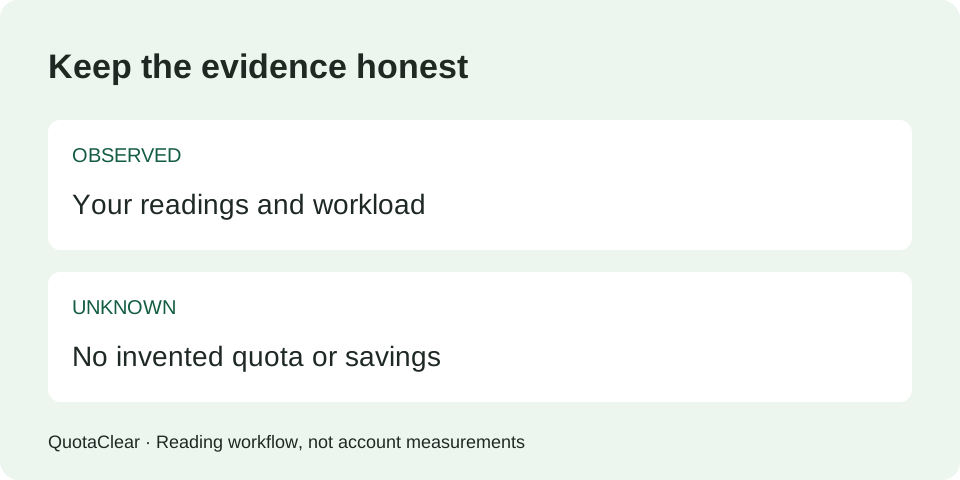
This page combines Claude’s official usage guidance with a QuotaClear note format and interpretation workflow. We did not run an account quota experiment, measure traffic, or establish an exclusive factual discovery. The blank worksheet is a practical aid, not evidence of a saving rate.
We also reviewed Wokey’s usage-measurement page for its separation of measurement method and limitations. Its reported account measurements are its own; we do not apply them to your subscription or reproduce its numerical results here.